- Kategorie
- Wszyscy
7. Strona produktu
Konfiguracja strony produktu Twojej witryny odbywa się za pomocą panelu administracyjnego: strona "Ustawienia" - "Wygląd" - ustawienia szablonu - sekcja "Strona produktu".
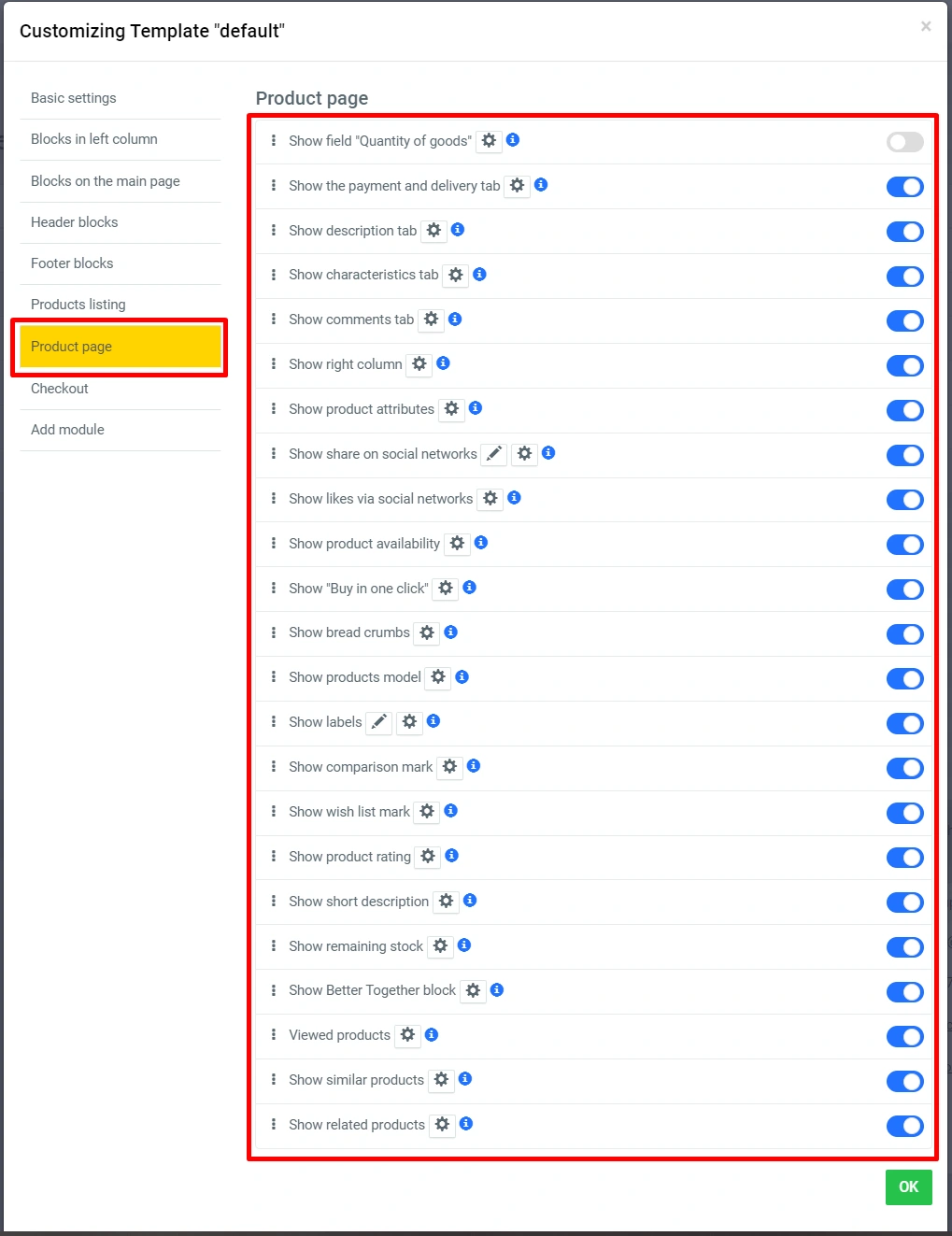
Więcej szczegółów:
-
“Show labels”:
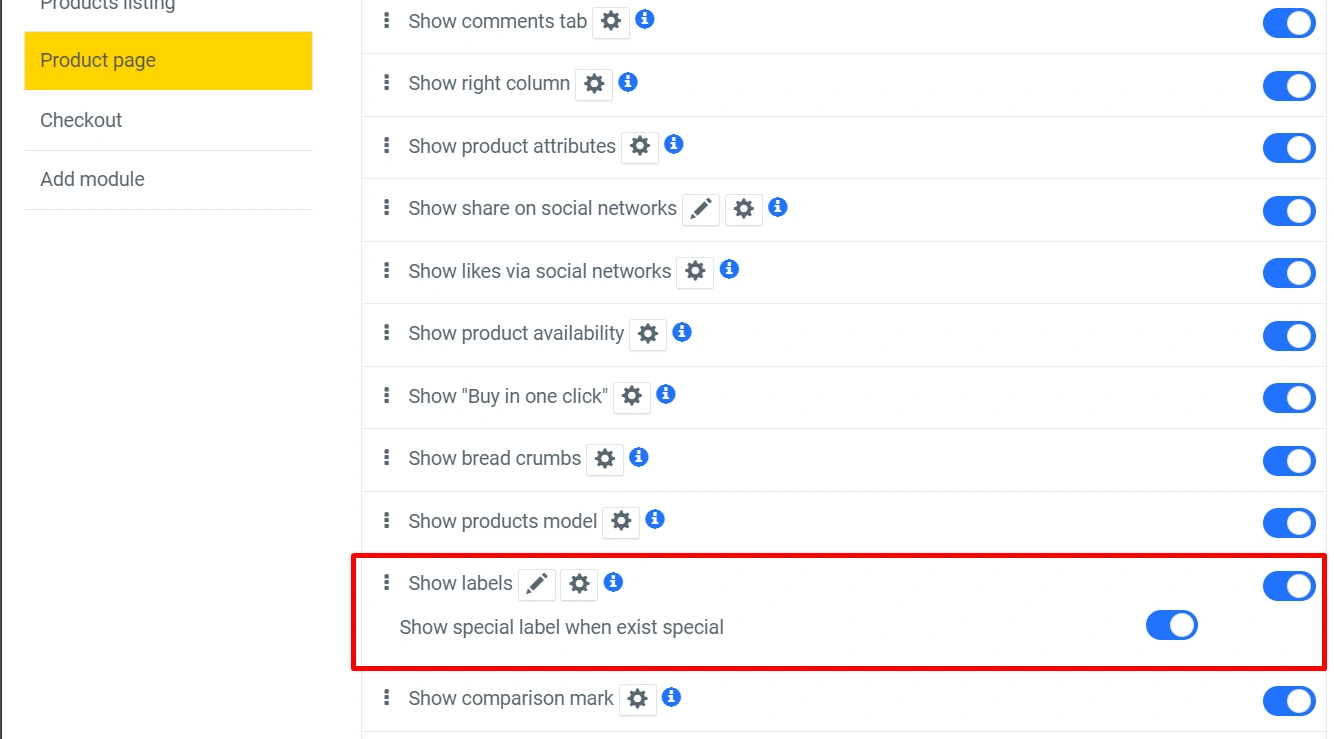

-
“Show product balance in stock ”:
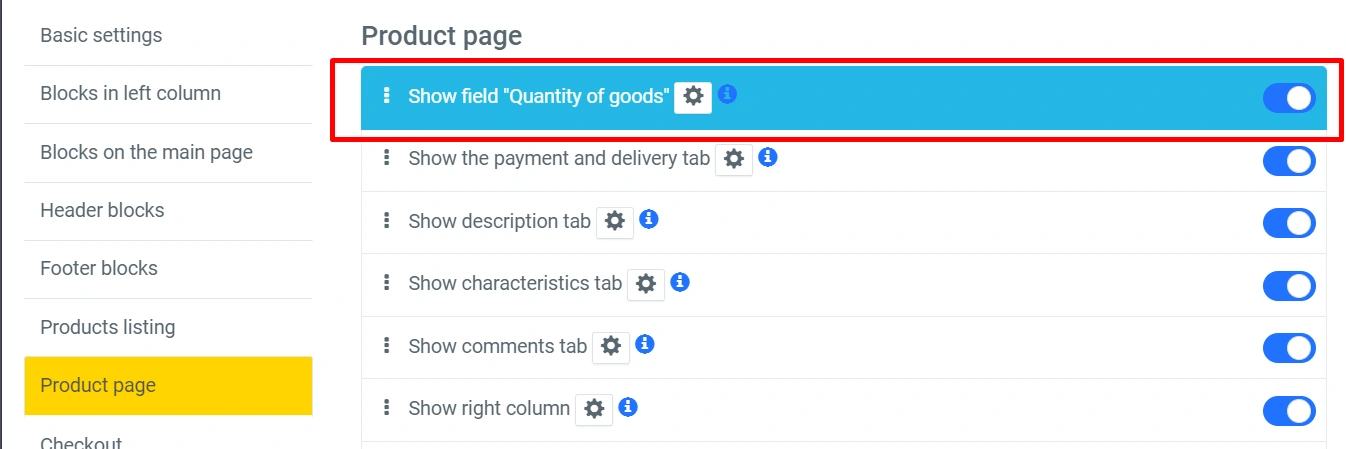
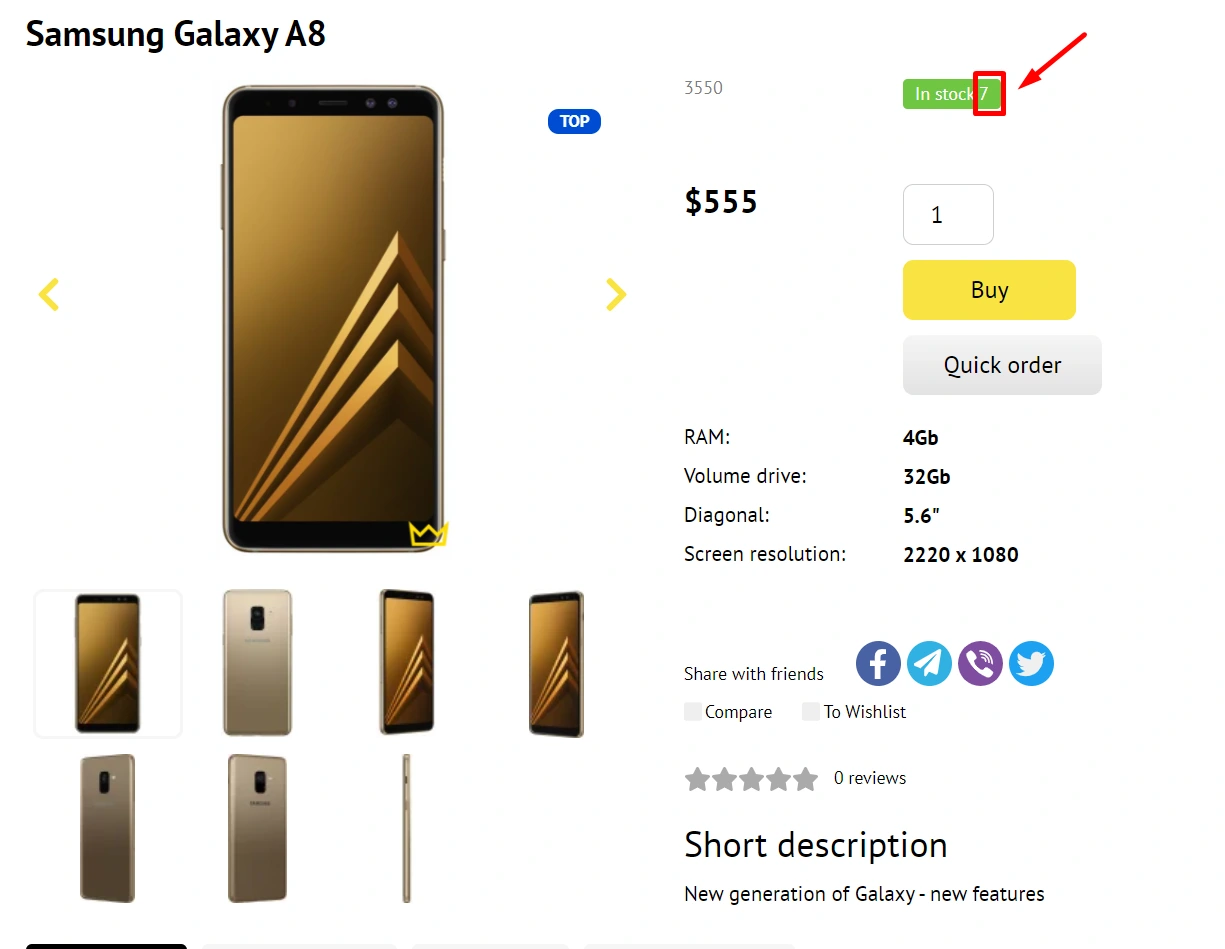
-
“Show short description”:
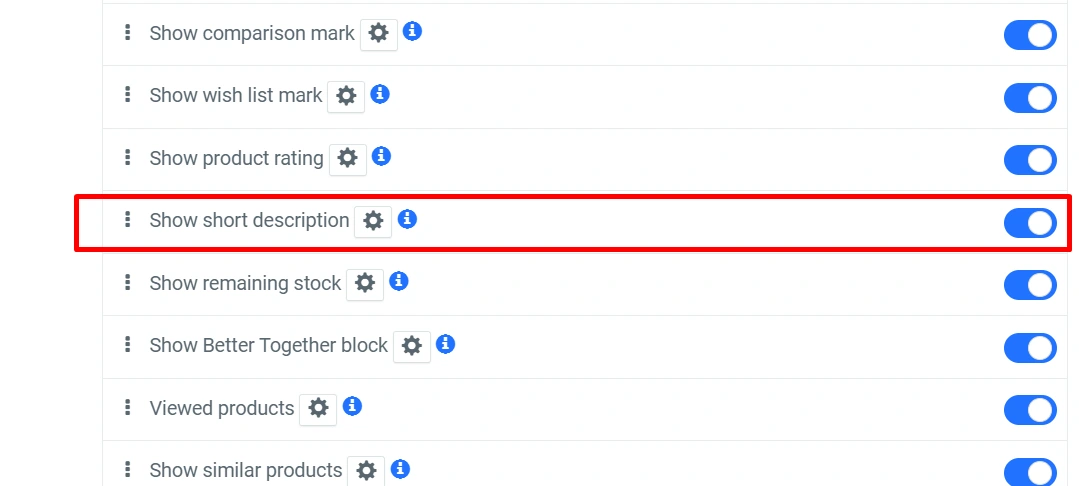
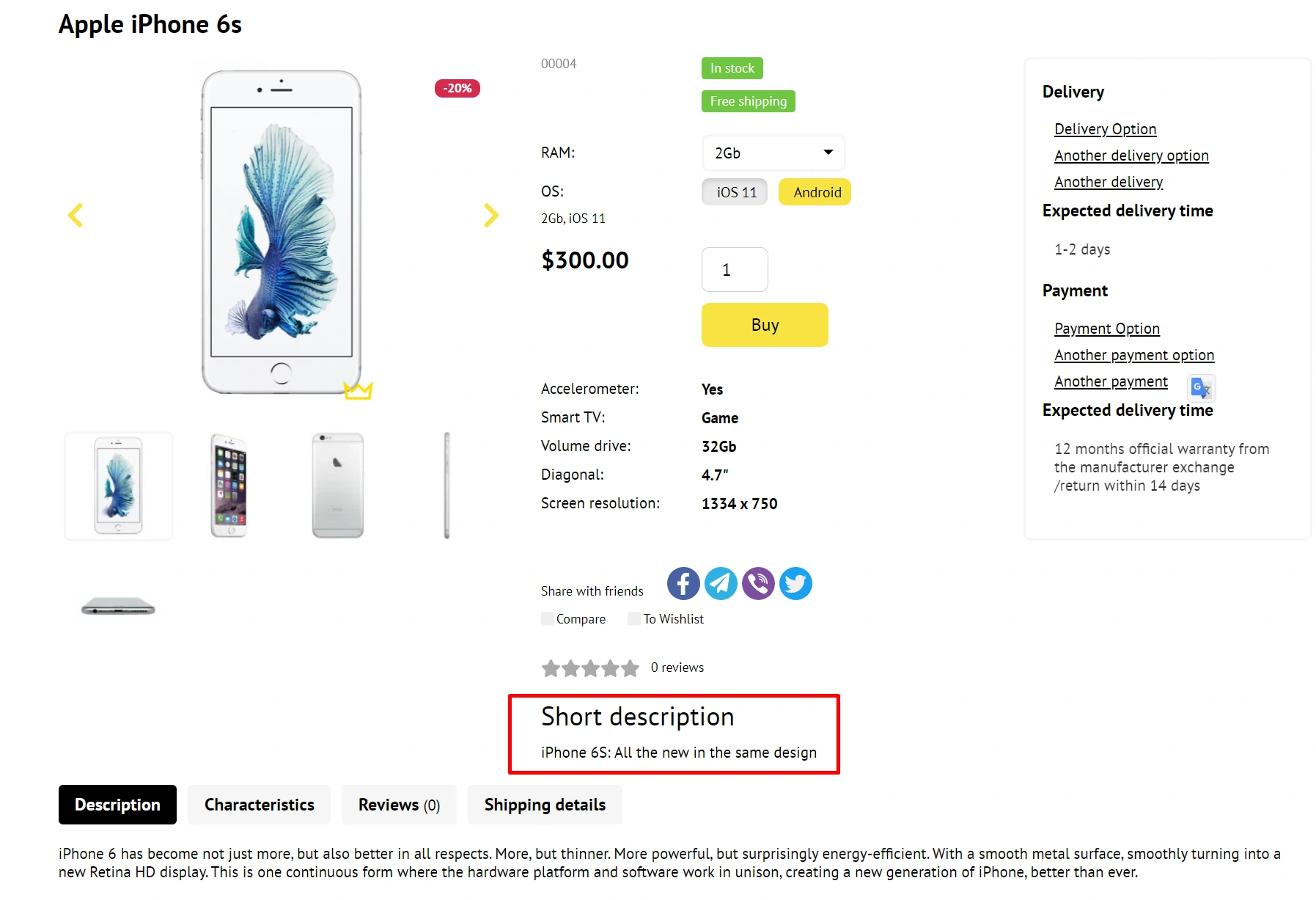
-
“Show product rating”:

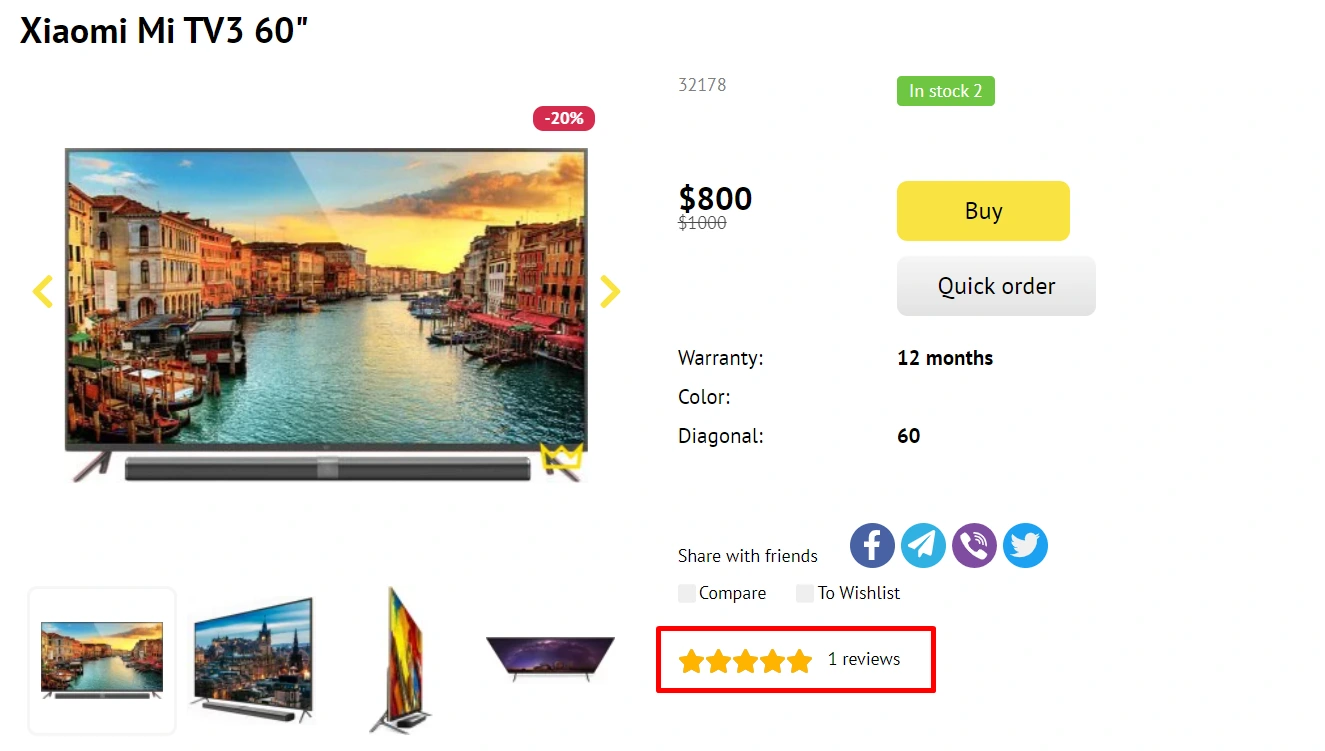
-
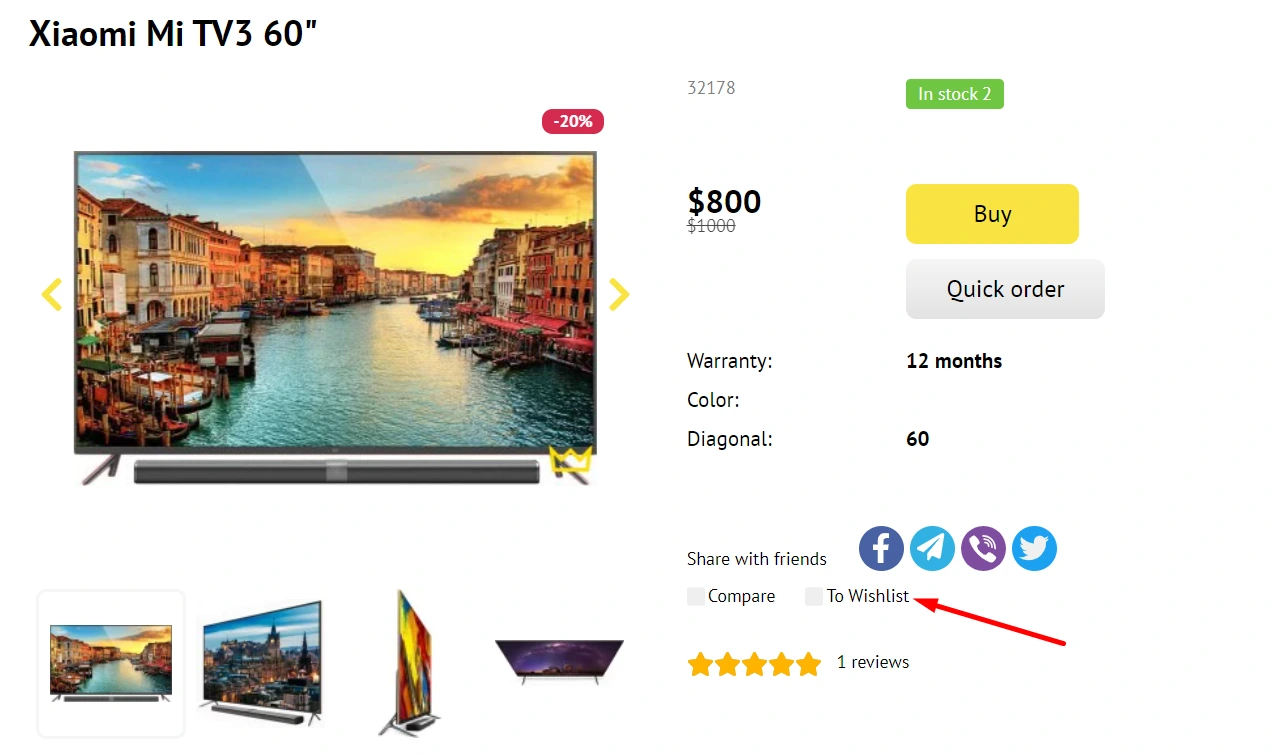
“Show Wish List Mark”:
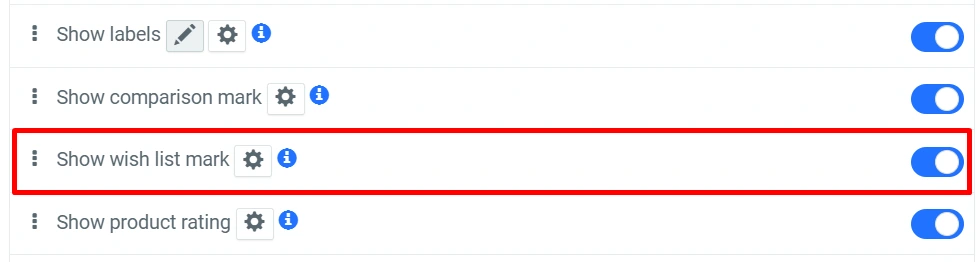
-
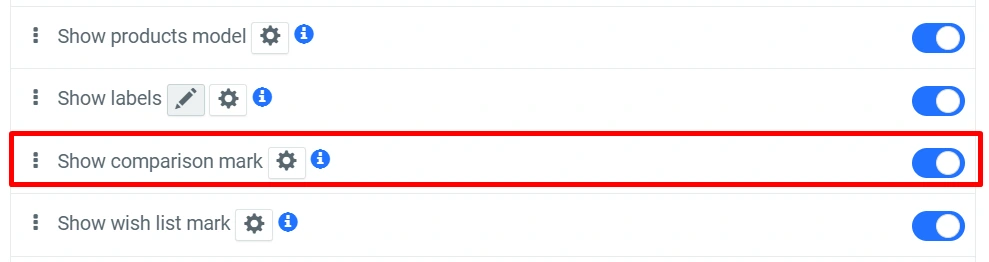
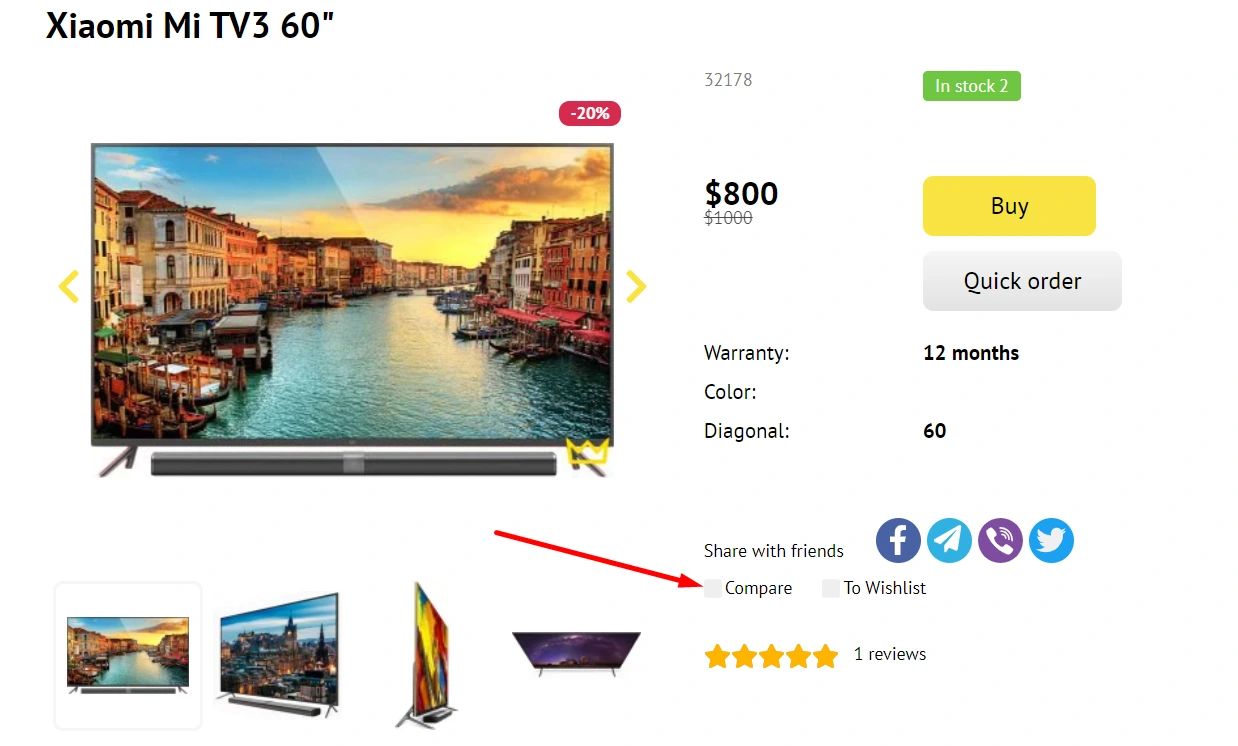
“Show comparison mark”:
-
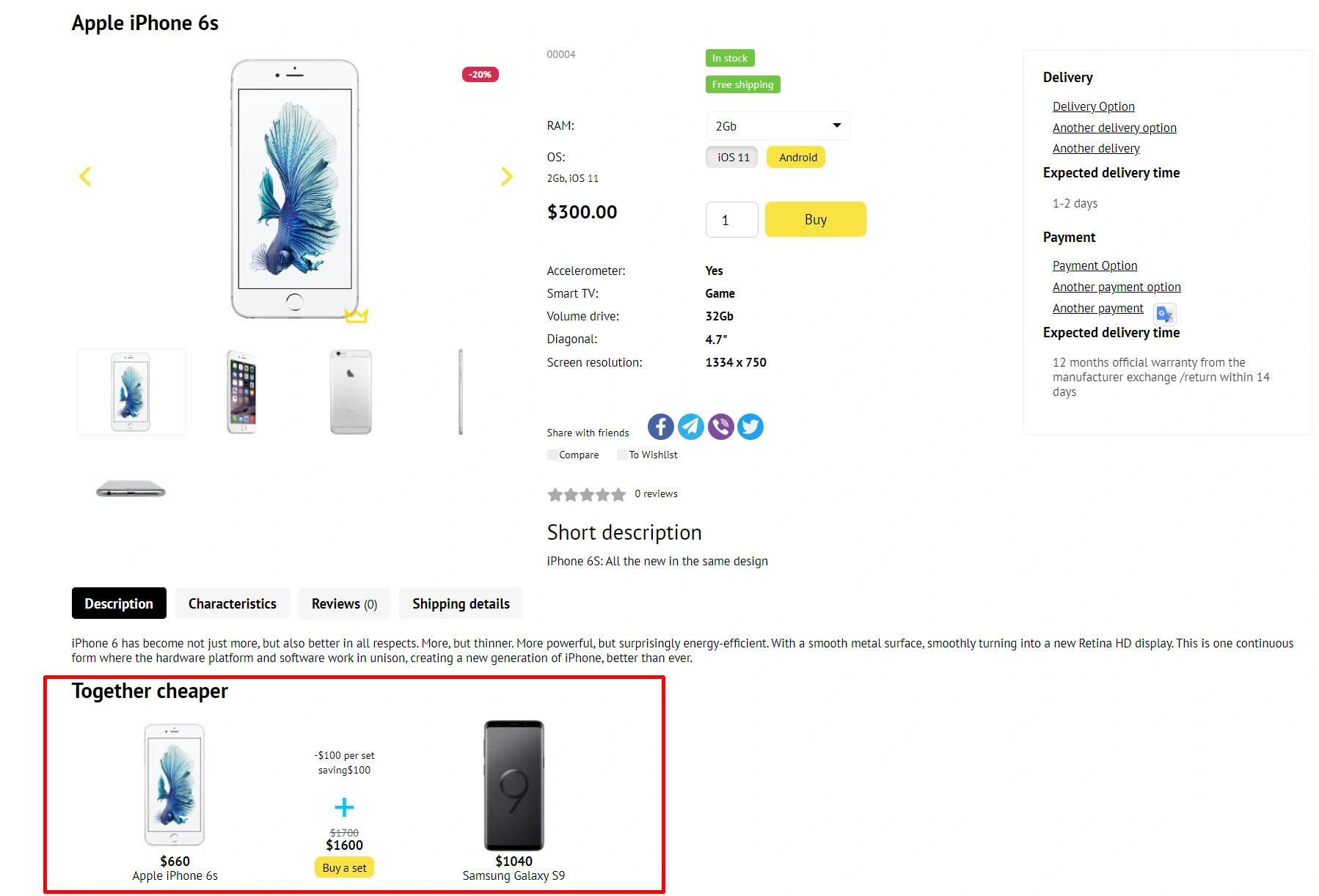
“Show the "Better together" block”:

-
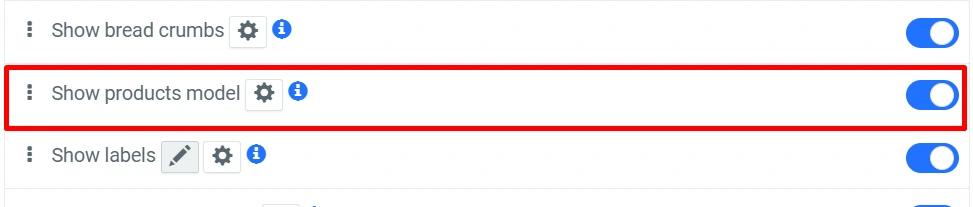
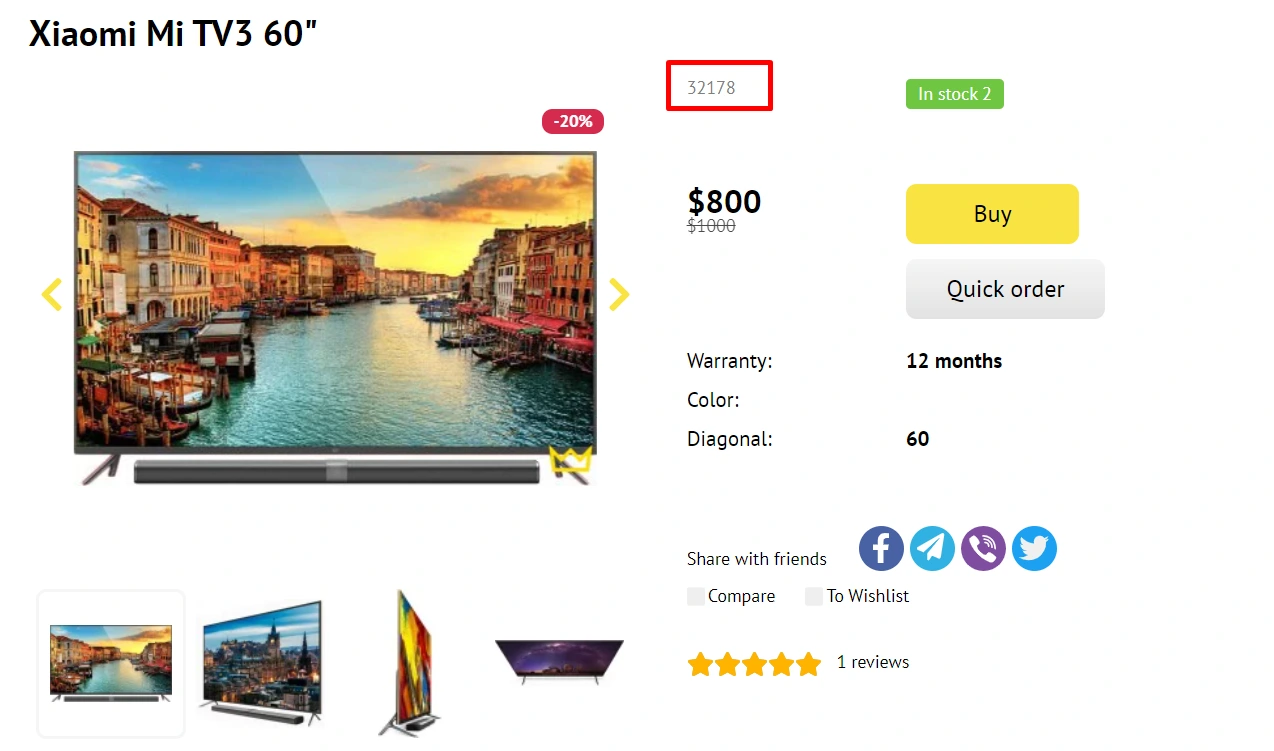
“Show product code”:
-
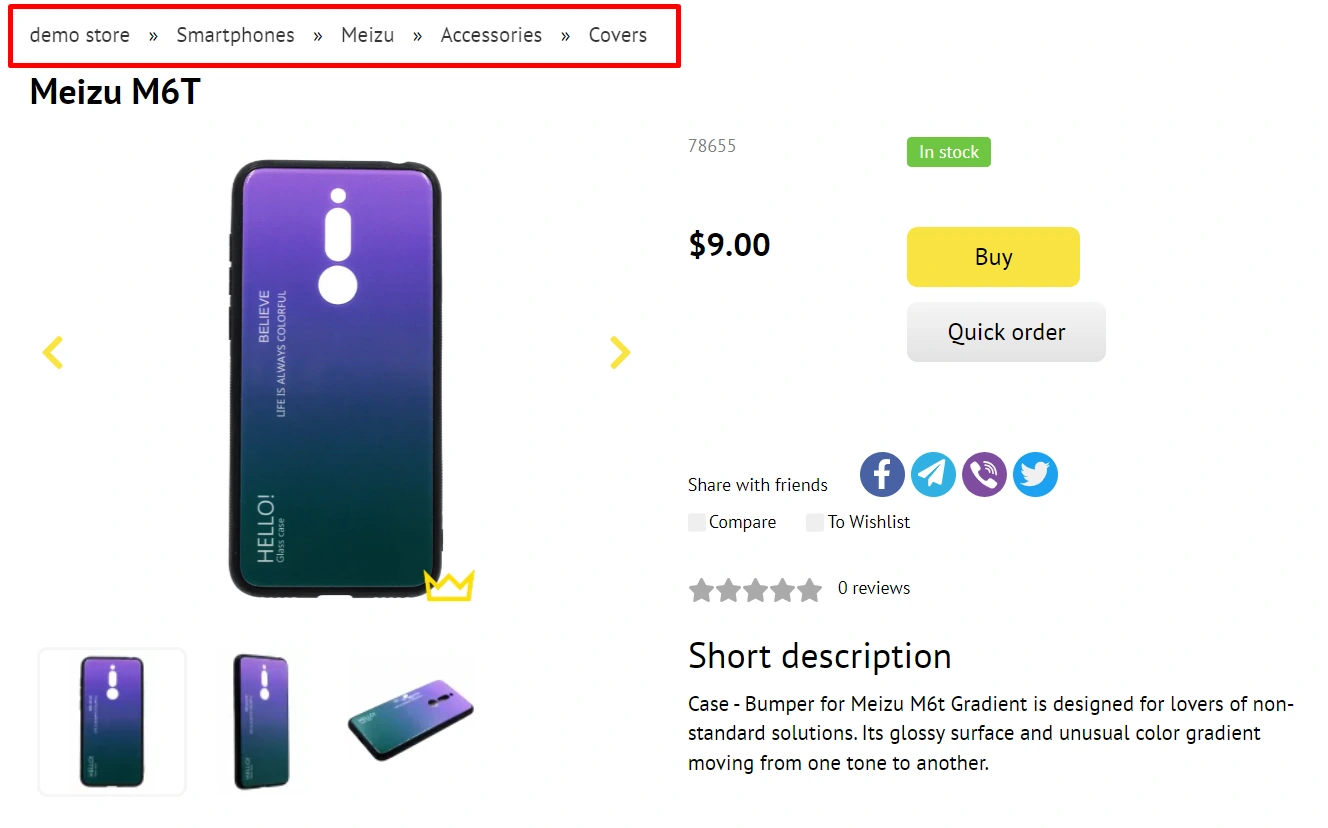
“Show bread crumbs”:

-
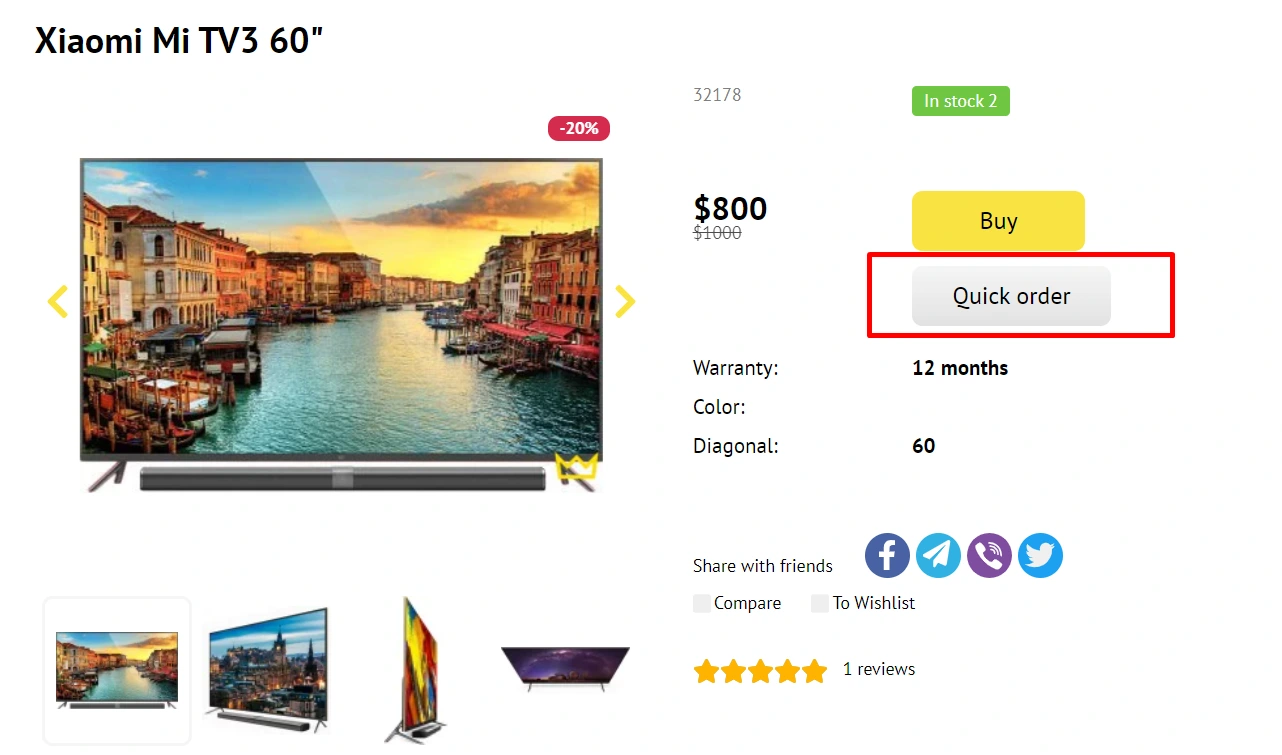
“Show "Buy in one click"”:

-
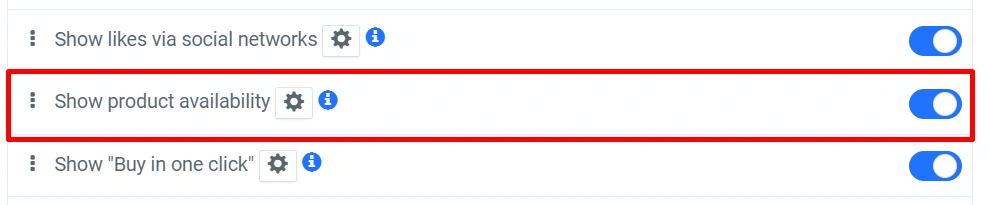
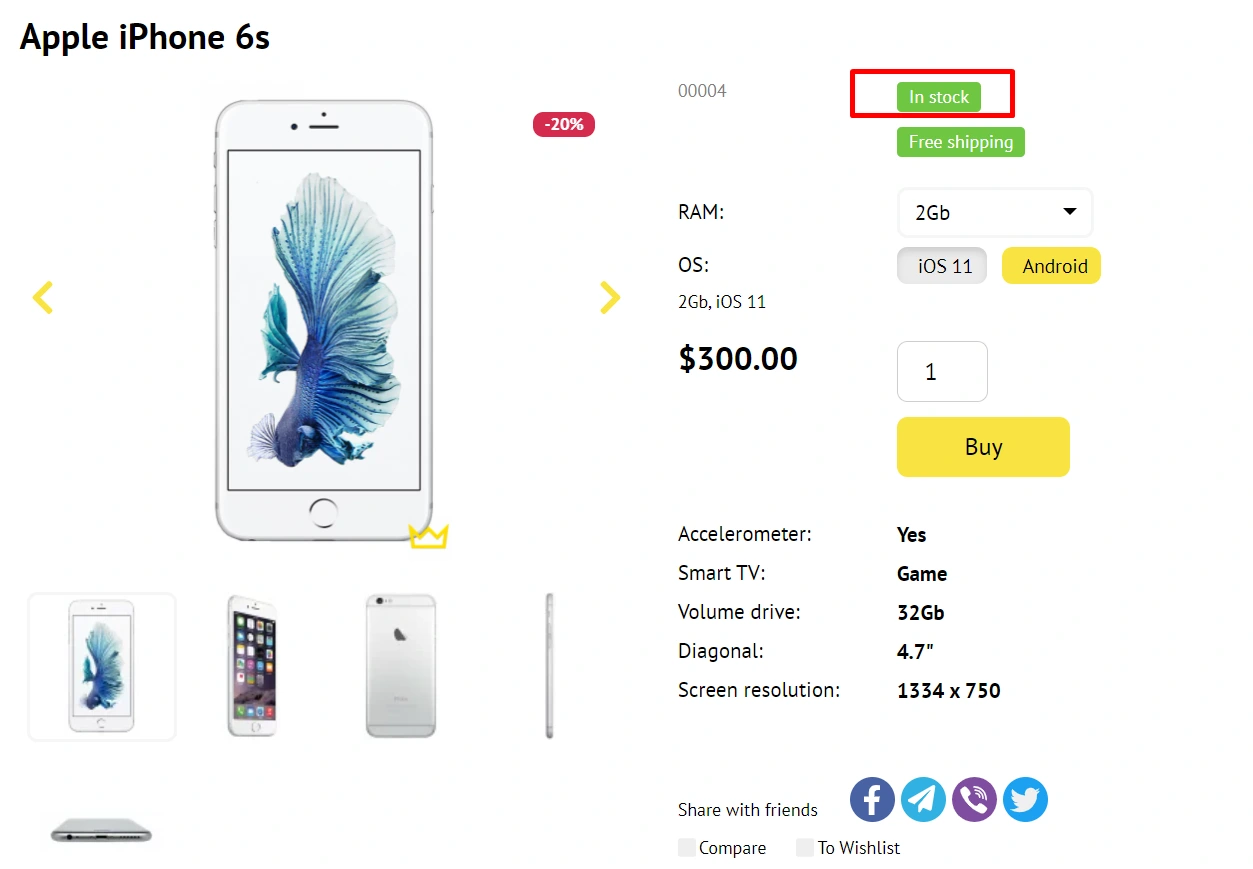
“Show product availability”:
-
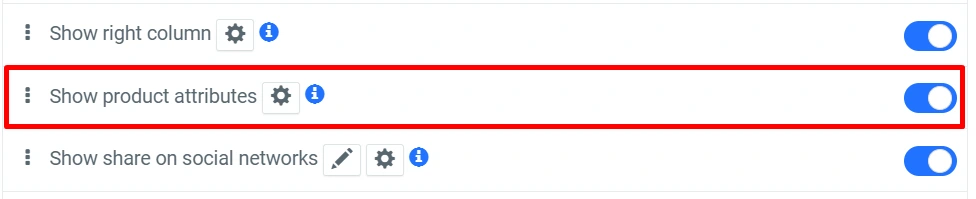
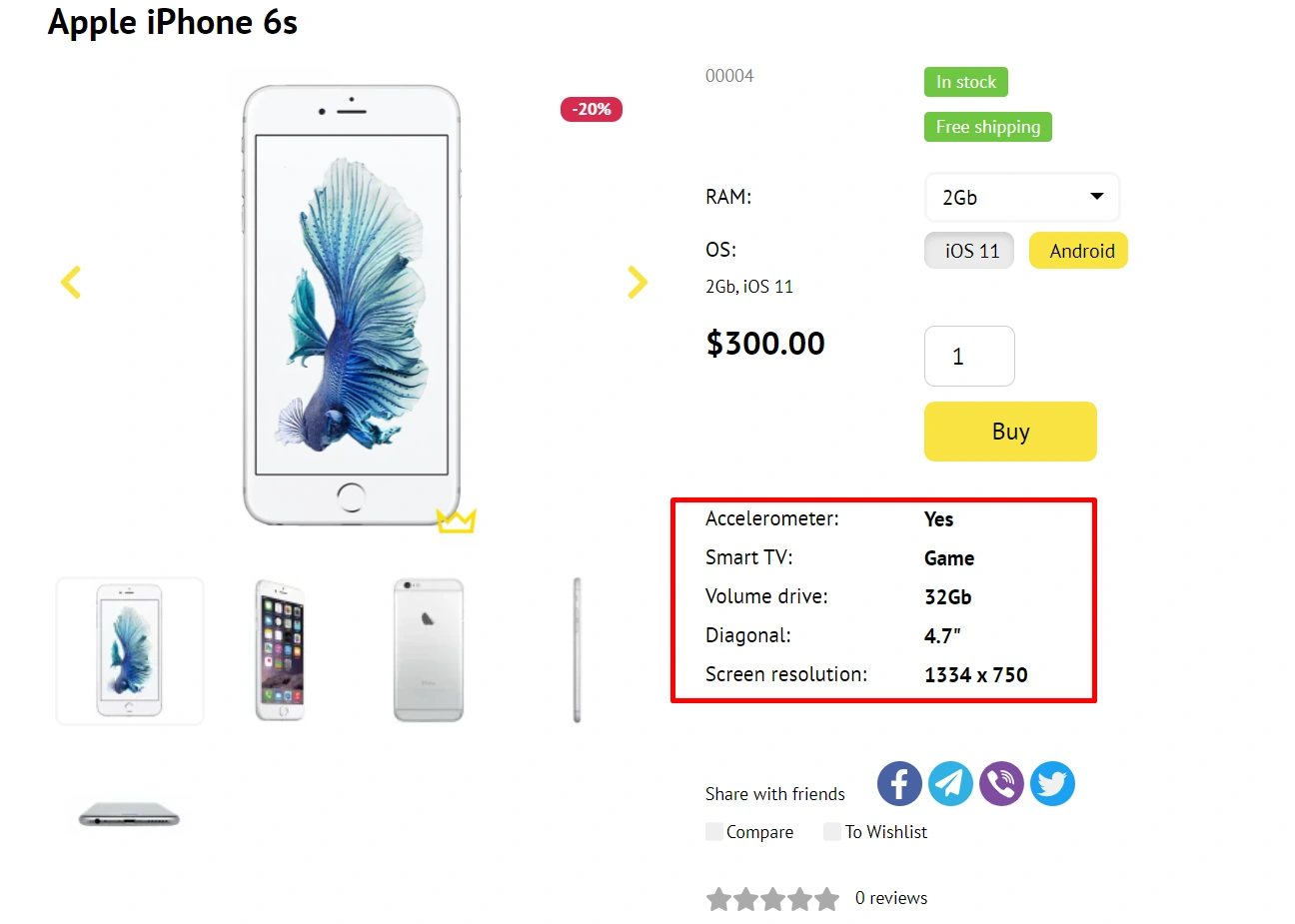
“Show product attributes”:
-
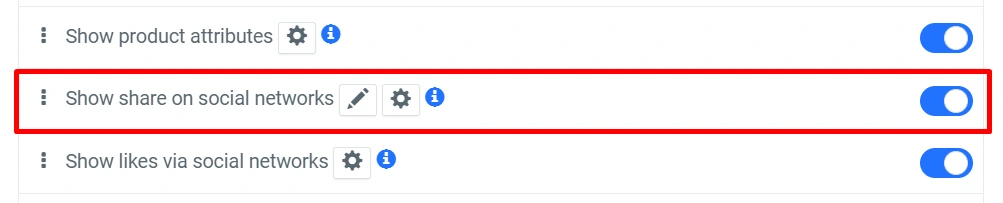
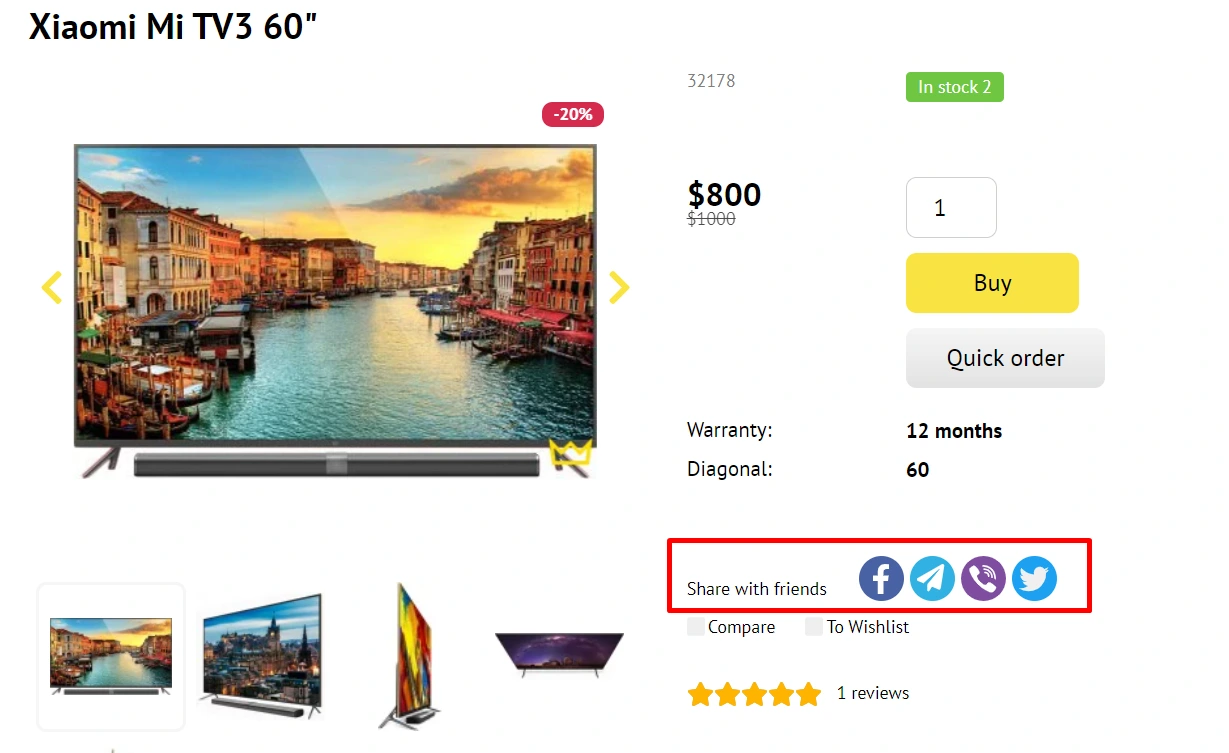
“Show share on social networks”:
-
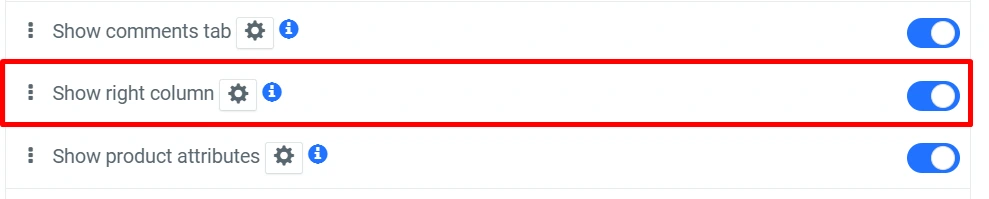
“Show right column”:

-
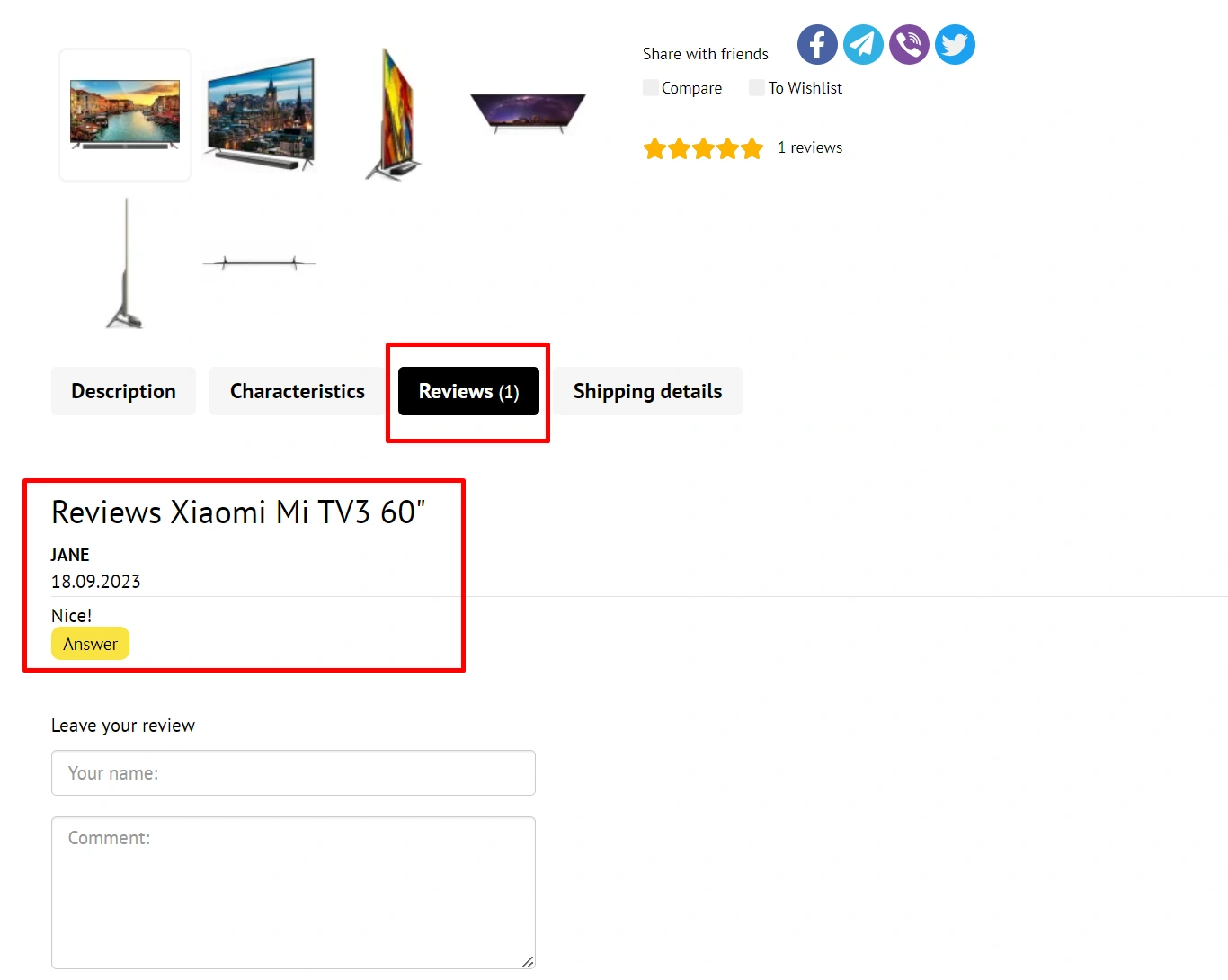
“Show comments tab”:

-
“Show characteristics tab”:
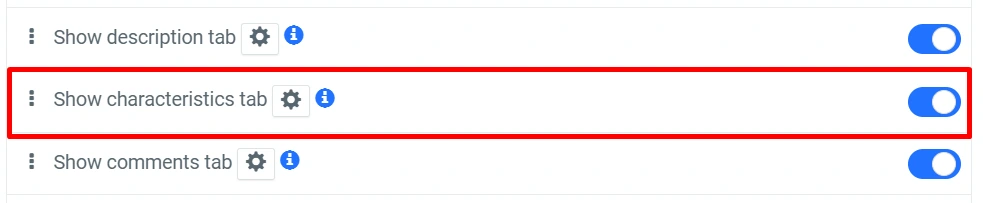
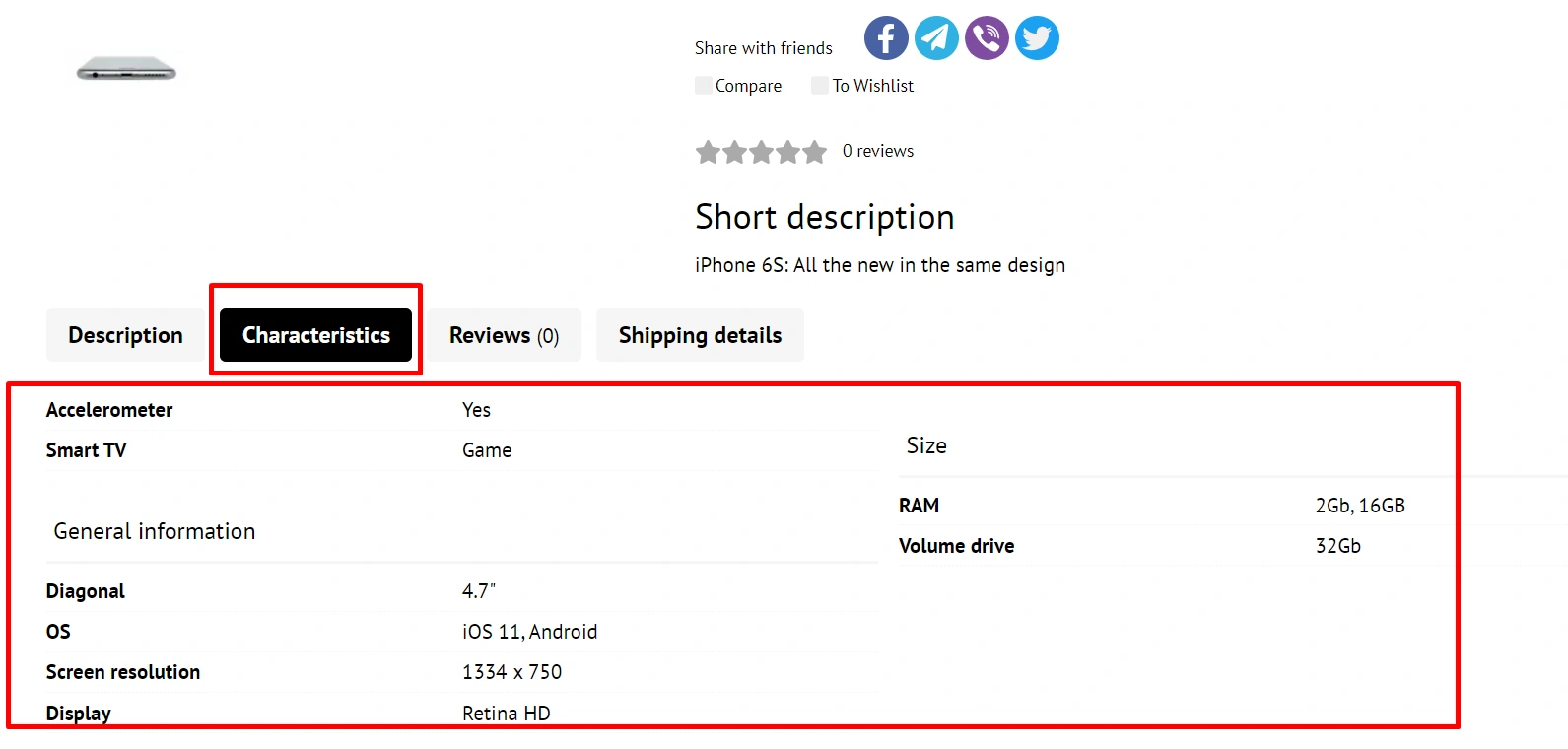
-
“Show description tab”:

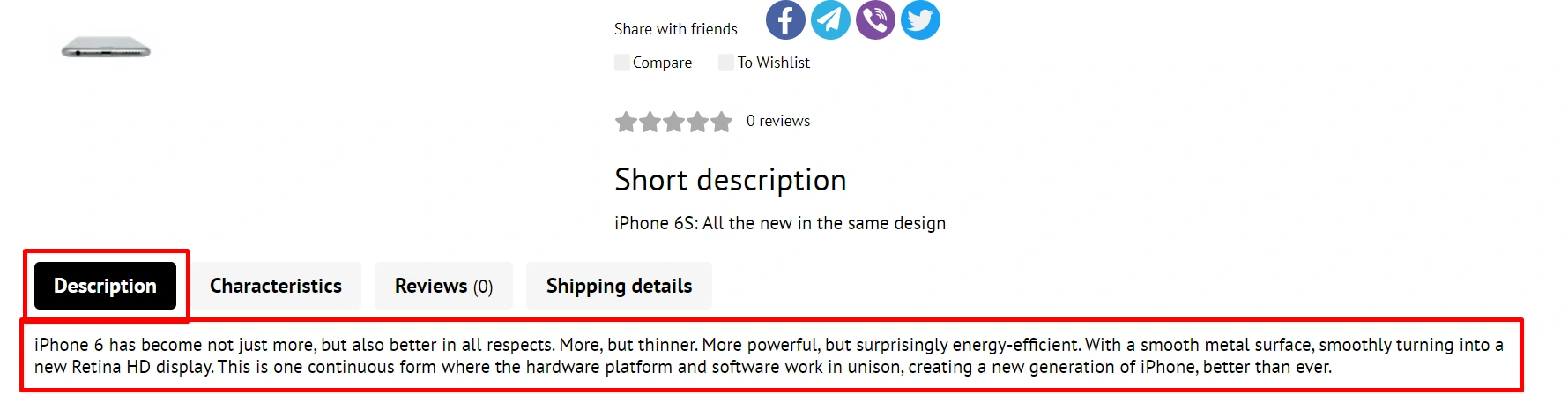
-
“Show related products”:
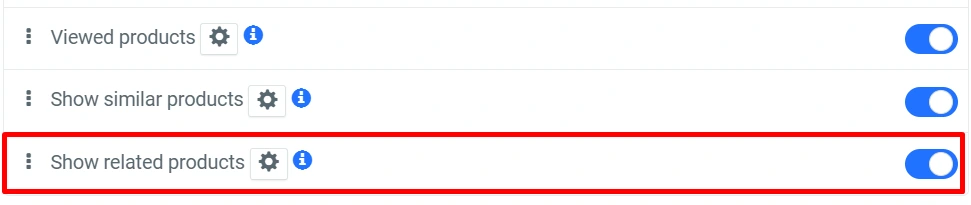
-
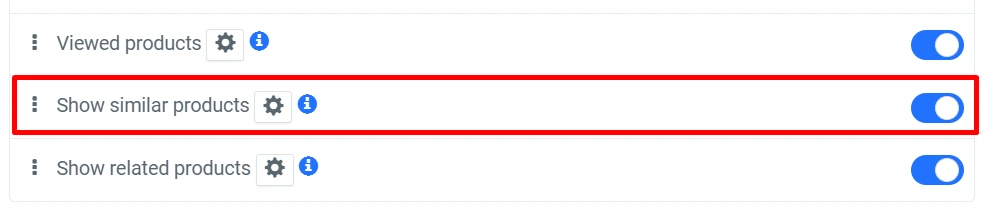
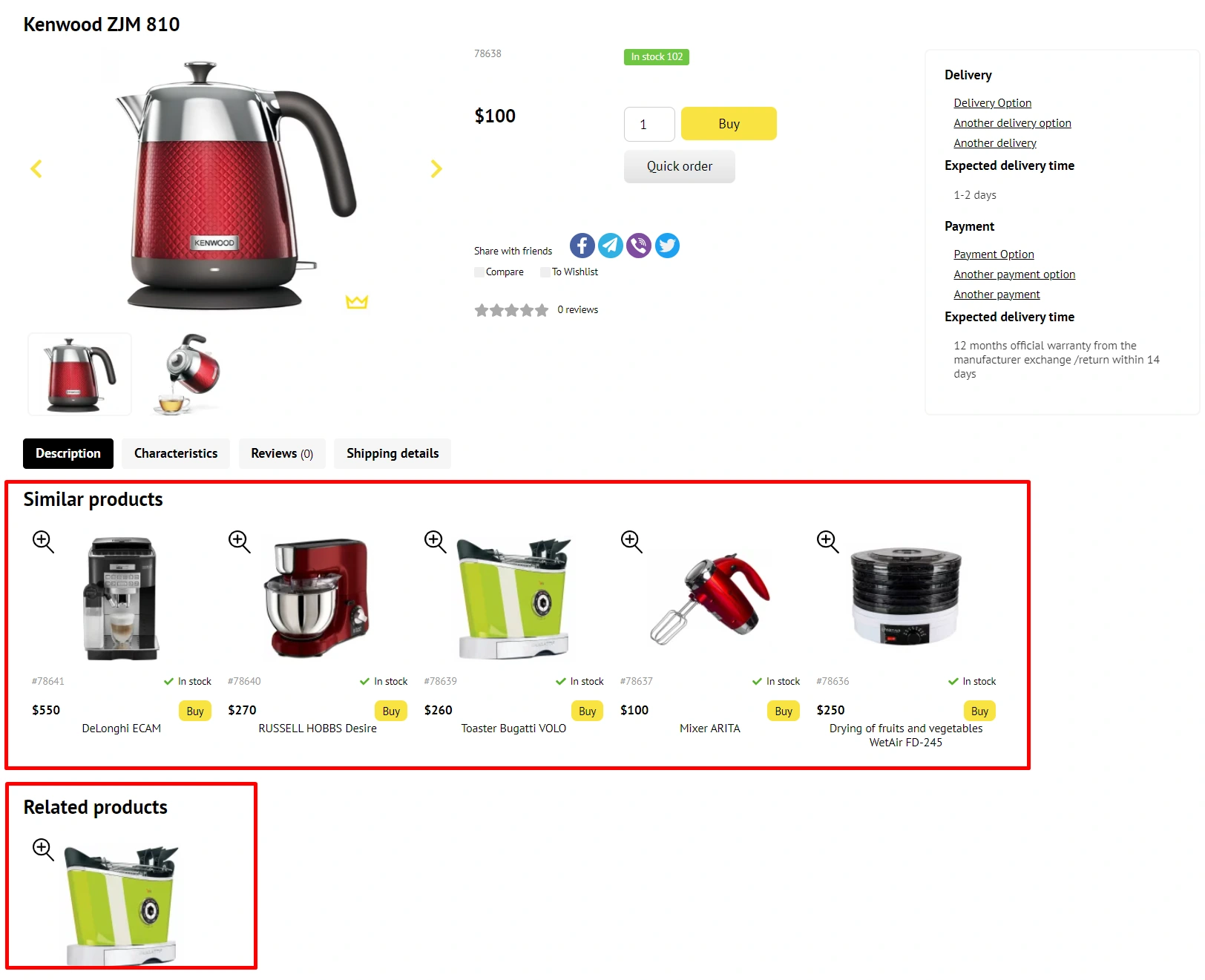
“Show similar products”:
-
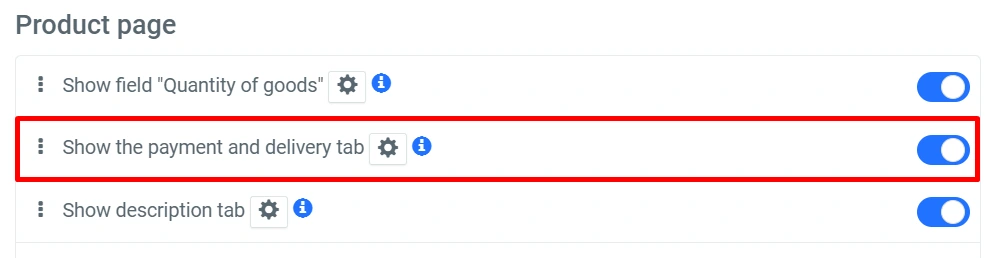
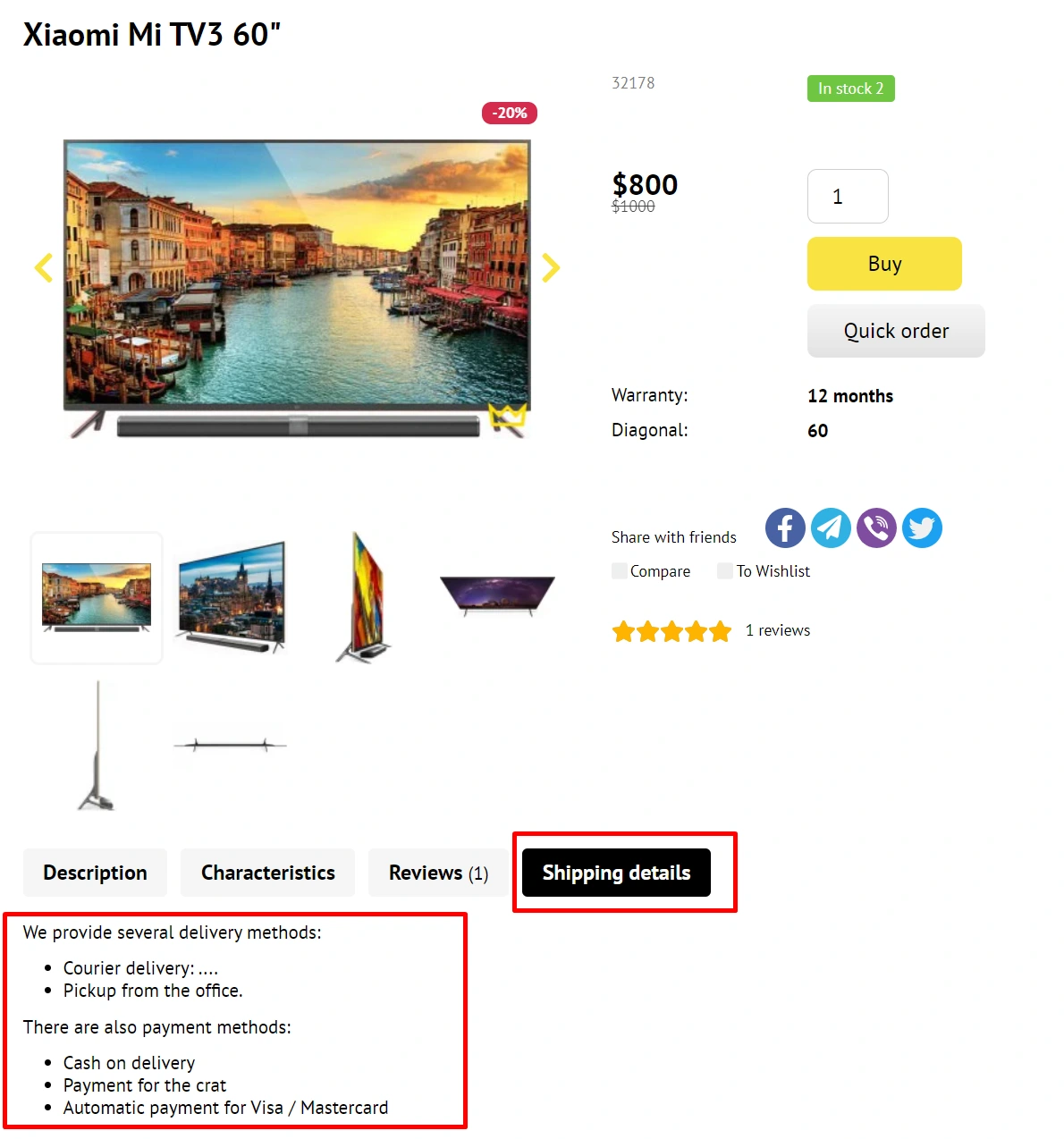
“Show payment and delivery tab”:
zaktualizowane: 27/06/2025

A template is a ready-made layout that you can customize yourself, in a pre-developed professional design. Which already takes into account all the requirements for the decoration of store sites.